Private beta
Write papers, theses and slides. Draw the figures too.
Manang is a desktop app for Typst, LaTeX and Markdown. Your files stay as plain text on your own computer.
Linux first. Windows and macOS follow.
See the page as you write it
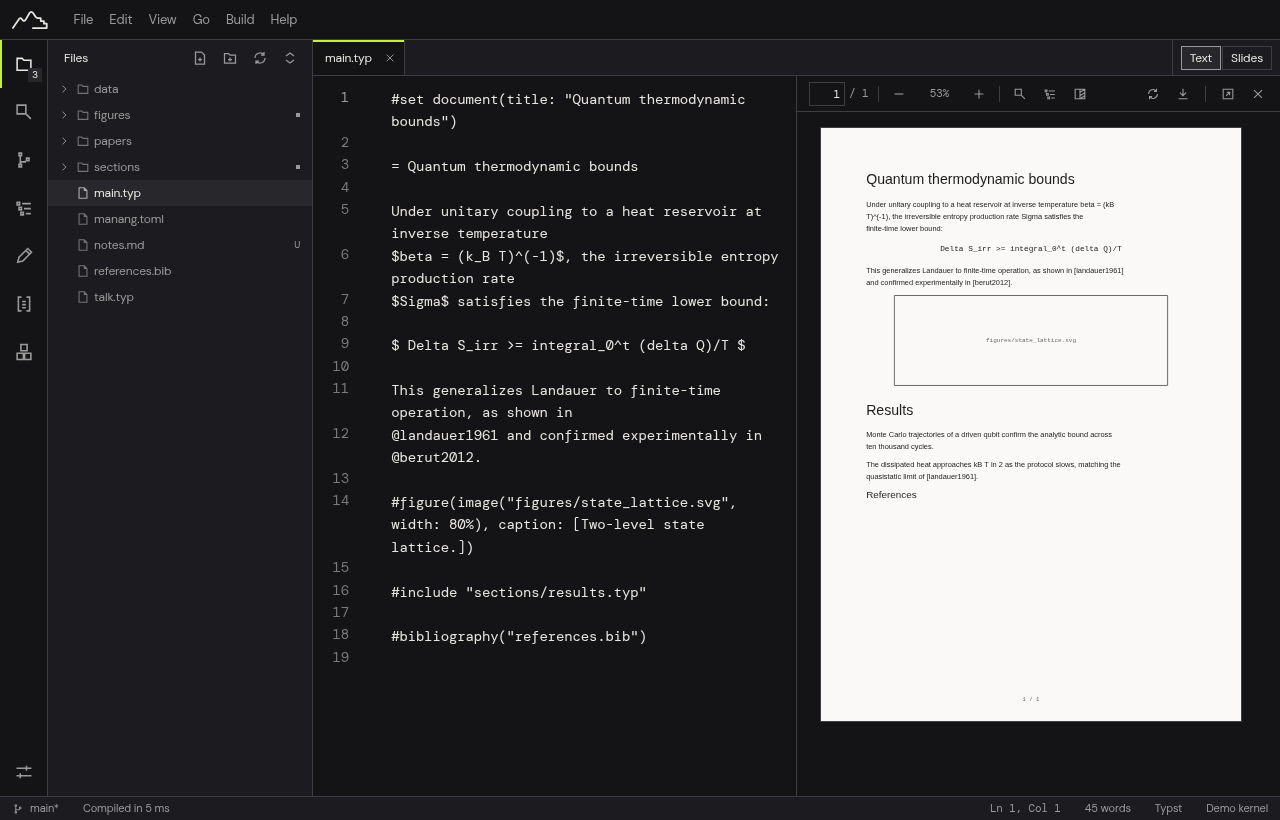
Type on the left and the typeset page updates on the right. It works for Typst, LaTeX and Markdown, with a PDF viewer you can select, search and zoom.
Click anywhere in the PDF to jump to that line in your source, and jump back from the source to the page. If you already have TeX installed, Manang uses it.
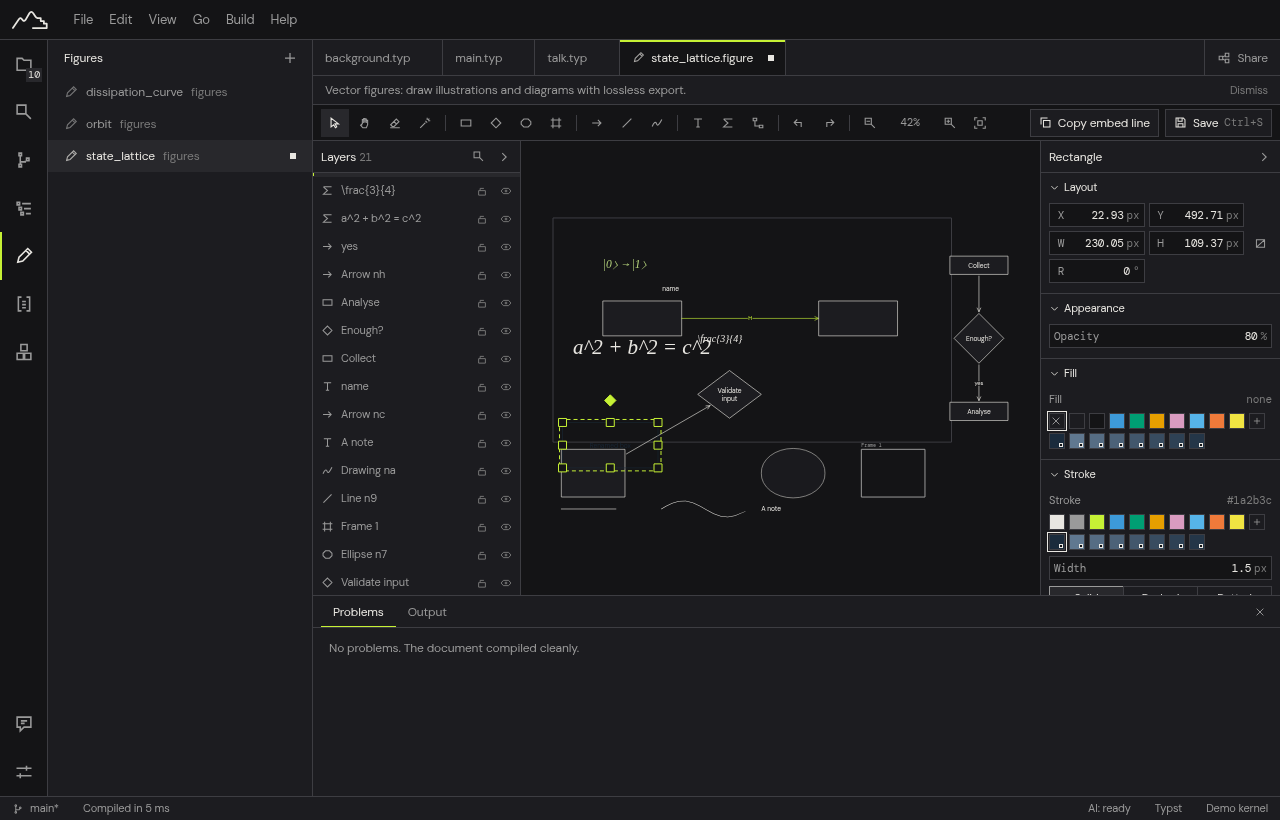
Draw figures without leaving the document
A built-in figure editor for diagrams and illustrations: shapes, freehand lines, and arrows that stay attached when you move things. Labels and formulas are typeset with Typst or LaTeX maths. Mermaid diagrams work too.
A figure is saved as an editable .figure file and a plain SVG that your document includes. Change the figure, save, and the page updates.
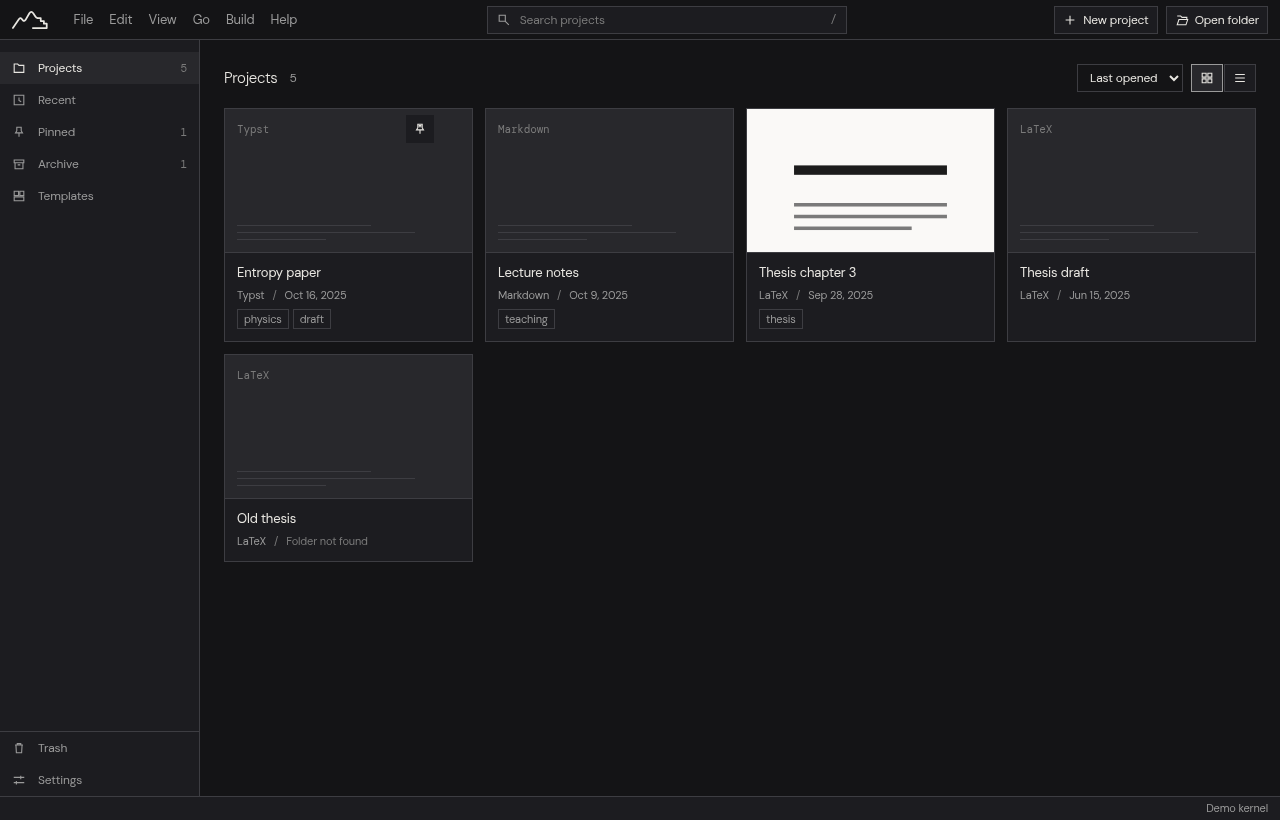
Your files stay yours
A project is an ordinary folder of text files. There is no account, nothing is uploaded, and nothing tracks you. Put the folder in Git, open it in another editor, back it up however you like.
If the app crashes, your unsaved edits come back. Every version you save can be compared and restored, and deleted projects wait in a Trash.
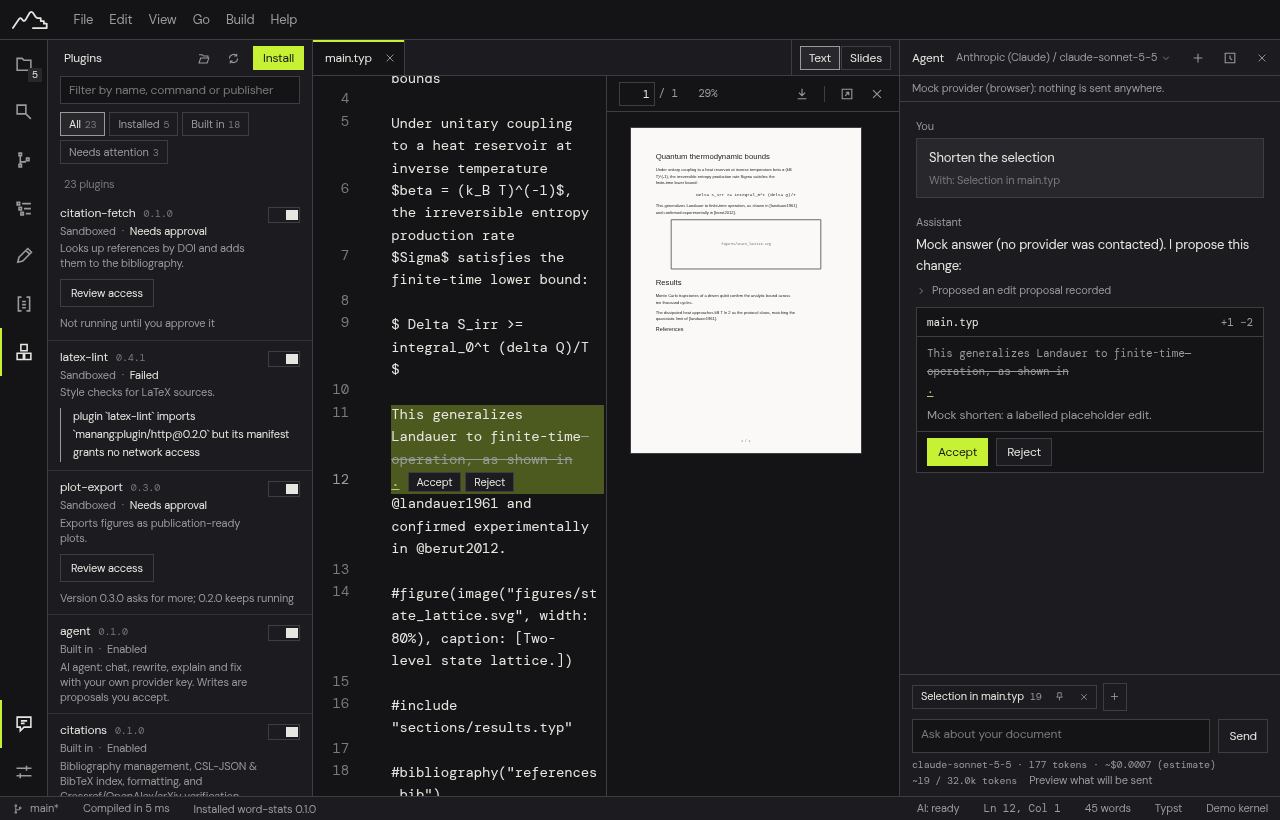
AI that suggests and waits
Bring your own API key, or use a local model. The assistant proposes changes as a diff that you accept or reject. It never edits your document on its own.
You can read exactly what will be sent before it leaves your computer. Your key stays in the system keychain, and one switch turns the assistant off.
Write together, privatelyIn beta
Share a file and edit it together, live. Everything is encrypted on your computer before it is sent, so the relay in the middle only passes along scrambled data.
For slower, asynchronous review, share the project through Git.
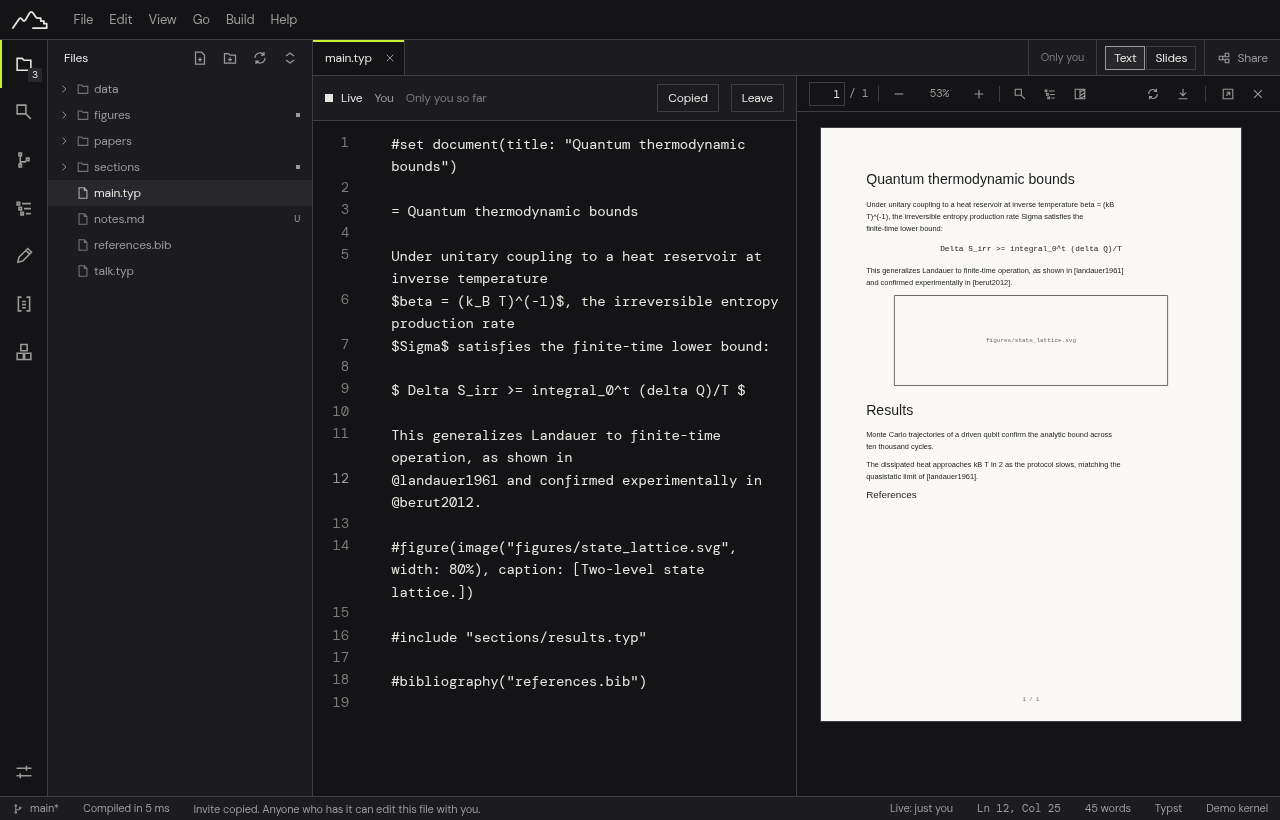
These screenshots show the browser build with sample data. The desktop app is the real product.
Fixes for common errors
Forgot a LaTeX package, or left a bracket open? Manang offers the fix next to the error, shows what it will change, and lets you undo it.
Visual editingIn beta
Prefer headings and bold text to markup? Switch a Markdown or Typst file to a visual view. The file stays plain text underneath.
Plugins you can check
Extras run in a sandbox and have to declare what they need, such as reading files or reaching a website. You see that list before you install. A plugin directory is on its way.
Where Manang is today
Manang is in private beta. We invite a few testers at a time, starting on Linux, and fix what they report. There is no public download yet.
We plan to release the source as open source later.
Questions
Is it free?
Manang is free to use during the private beta. What happens after the beta has not been decided; we will say so here before it changes.
Where are my files?
On your own disk. Your projects are standard folders of plain UTF-8 text files, SVGs, and BibTeX bibliographies. There is no proprietary database, no account lock-in, and you retain complete ownership of your work.
Does it need internet?
Not to write. Editing, typesetting, PDF previews, figure drawing and version history work offline. The network is used only when you choose it: an AI provider with your own key, citation checks, live co-editing through a relay, or the first compile with the optional built-in LaTeX engine, which fetches the packages it needs once.
What text is sent to AI?
Only the exact text selection, file context, and prompt you approve. Requests go directly from your machine to your chosen AI provider (such as Anthropic, OpenAI, or DeepSeek) using your own API key, or to a local model. Nothing is ever sent to or logged by Fundaments.work servers, and you can inspect the exact payload before it is transmitted.
Can I use my own TeX?
Yes. Manang detects and runs the TeX distribution you already have (TeX Live, MacTeX or MiKTeX) with SyncTeX. A built-in engine for machines without TeX is in preparation and is not part of the beta yet.
When can I try it?
We are inviting testers in small batches, starting on Linux. Use Request an invite and tell us your system and the format you write in.